
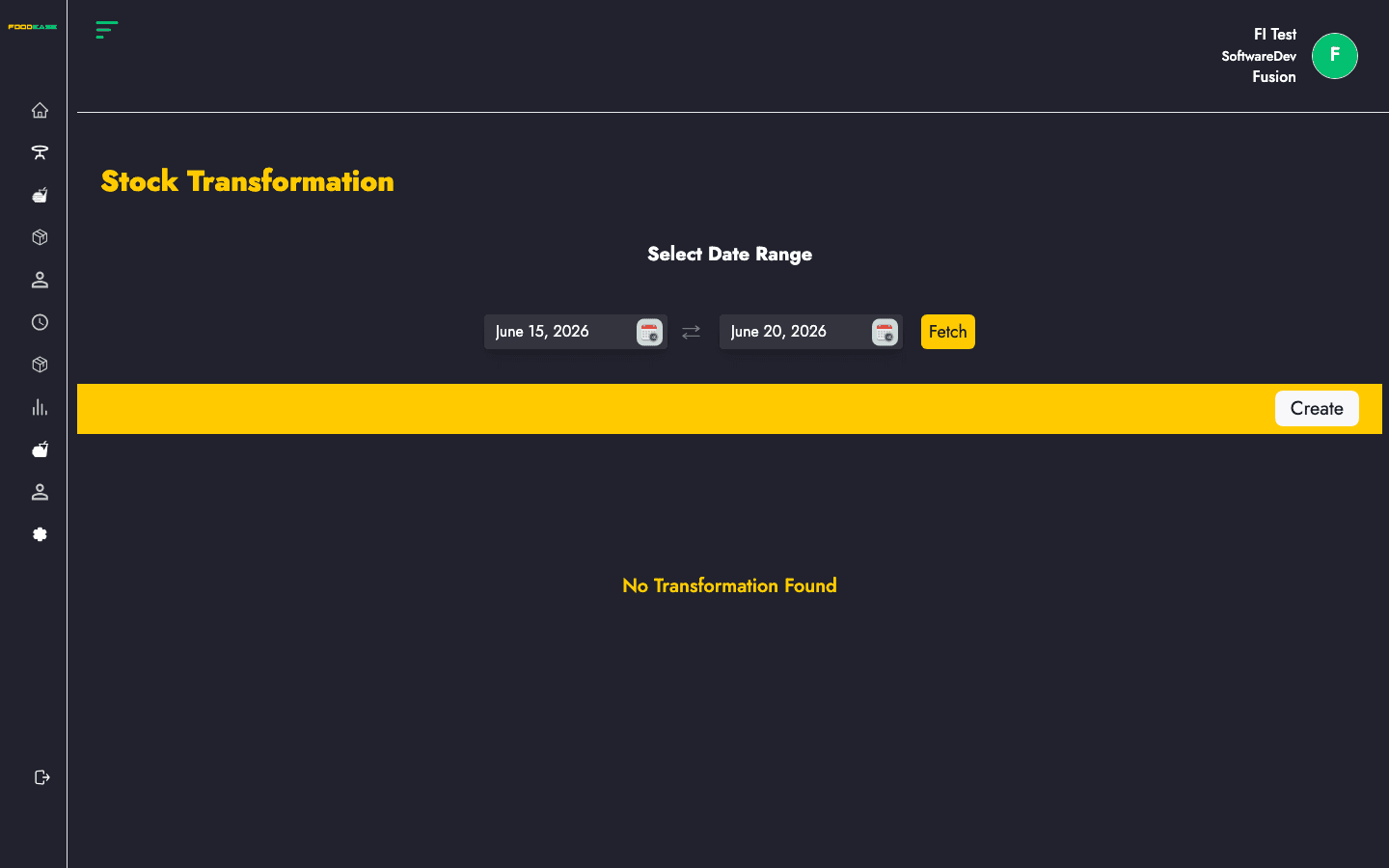
Stock Transformation records production of recipe-based items — for example, turning raw ingredients into a prepared batch tracked in inventory. Each transformation links a recipe, store location, revenue centre, cost, and approval status.
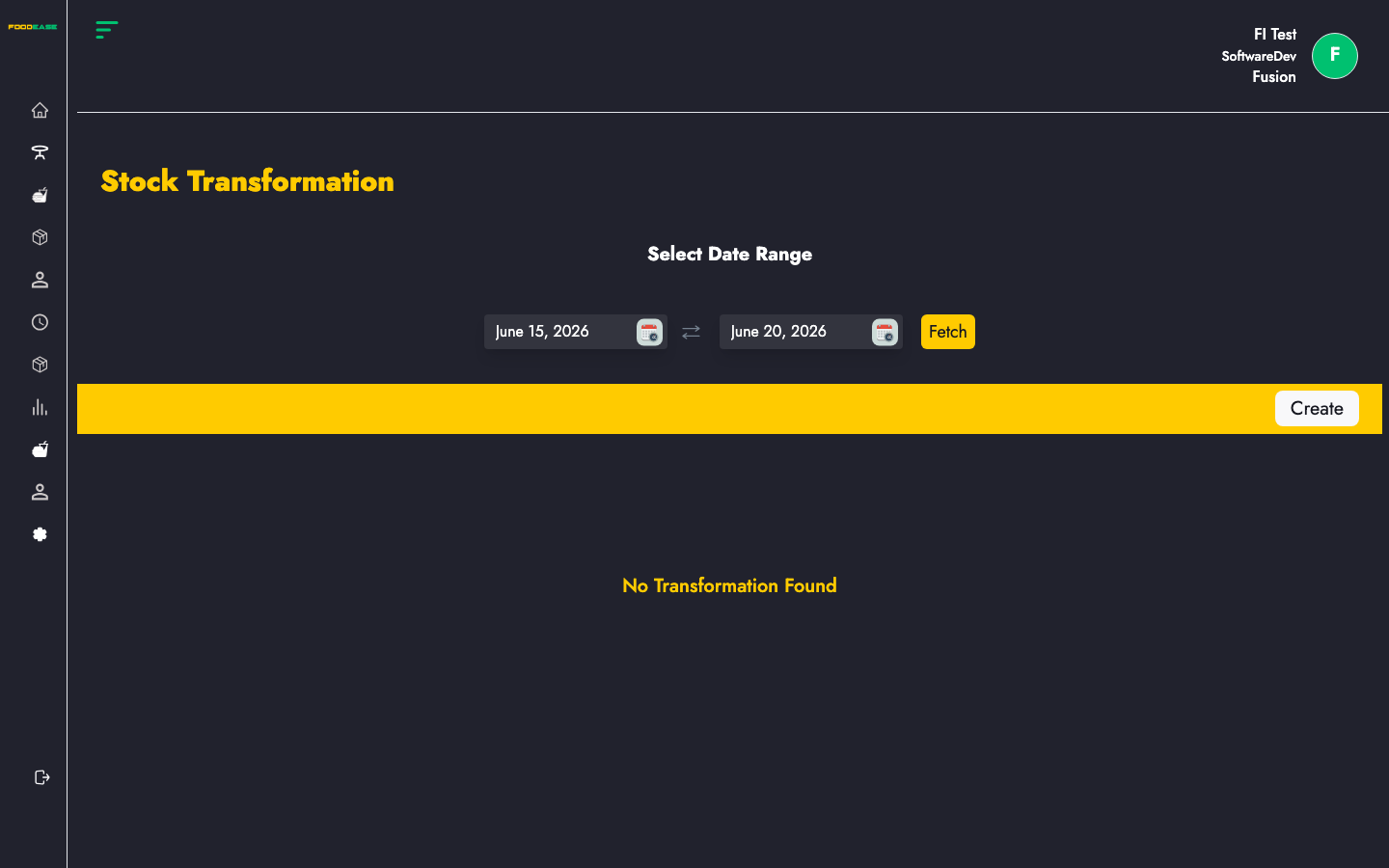
Who can use this page?
Users need at least one of:
- Create Transformation
- Edit Transformation
How to open Stock Transformation
- Log in to FoodEase Office.
- Sidebar → Inventory → Stock Transformation.
Page overview
| Column | Description |
|--------|-------------|
| Recipe | Recipe / finished item produced |
| Cost | Calculated transformation cost |
| Received By | Staff who recorded the batch |
| Store Location | Location where production occurred |
| Rev Center | Revenue centre |
| Status | Draft or submitted workflow state |
| Actions | View or edit |
| Filter / tool | Description |
|---------------|-------------|
| Date range | Load transformations within a period |
| Generate PDF | Print the list |
| Export | Download as Excel |
| Create | Start a new transformation |
Create a transformation
- Click Create (requires Create Transformation).
- On
/dashboard/stocks/create-stock-transformation:
| Field | Description |
|-------|-------------|
| Store Location | Where ingredients are drawn and output is stored |
| Revenue Centre | Branch associated with the batch |
| Recipe / transformable item | Finished item to produce |
| Ingredient lines | Components consumed (from item picker) |
| Quantities & UoM | Amounts per ingredient and output |
- Add ingredient items via the item picker modal.
- Save as draft or submit according to form actions.
Edit a draft transformation
Draft rows open /dashboard/stocks/edit-stockTransformation/{id}. Other statuses open the view page (/dashboard/stocks/view-stockTransformation/{id}).
Search and export
- Select a date range to review production history.
- Use Generate PDF or Export for cost or kitchen audits.
Best practices
- Set up Recipe items and components in Items before using transformations.
- Pick the correct Store Location so ingredient deductions and finished goods post to the right ledger.
- Reconcile transformation Cost with Stock Ledgers periodically.