
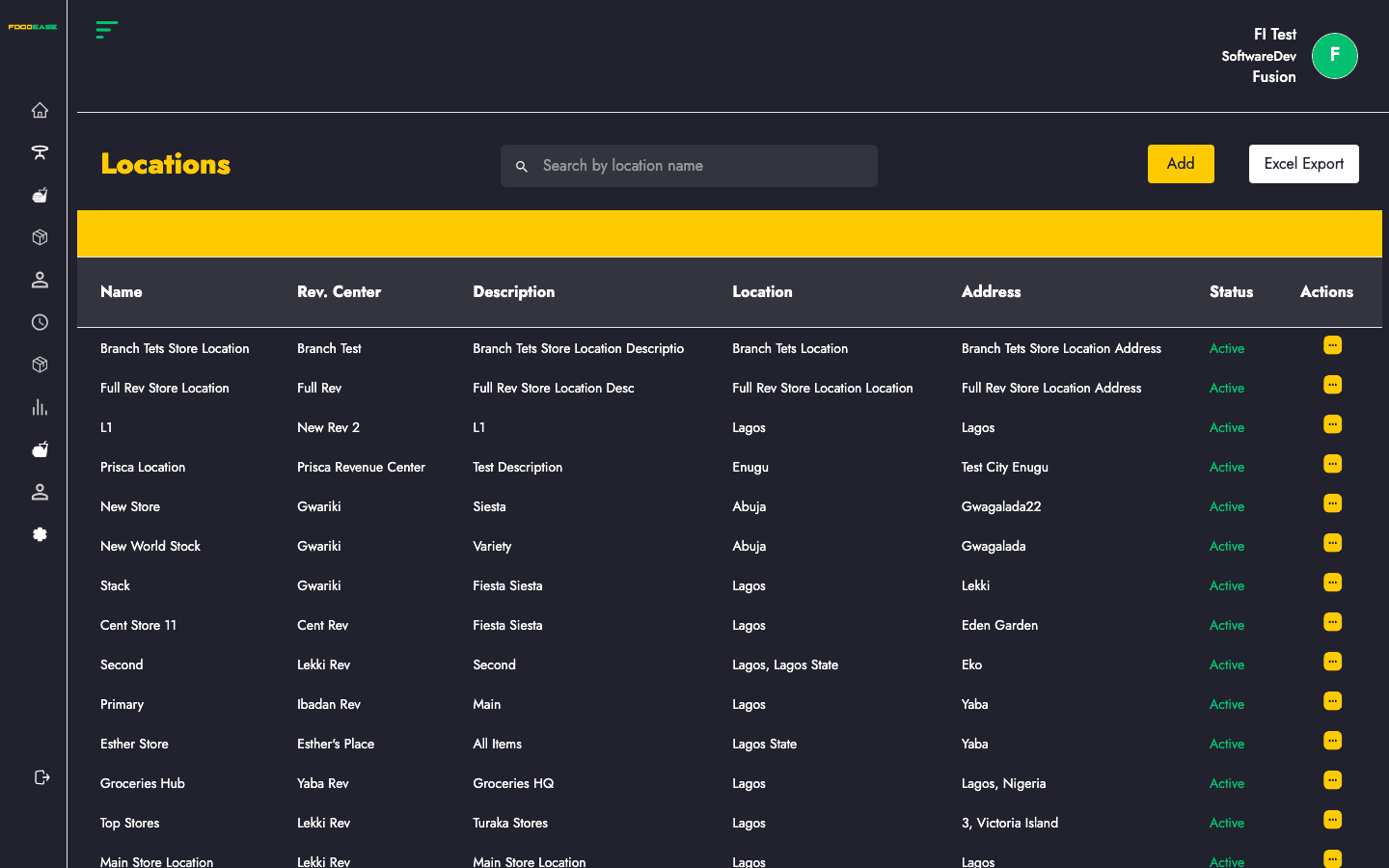
Locations (store locations) define where stock is held and counted. Each location ties to a Revenue Centre, supports primary or warehouse flags, and drives filters across inventory reports.
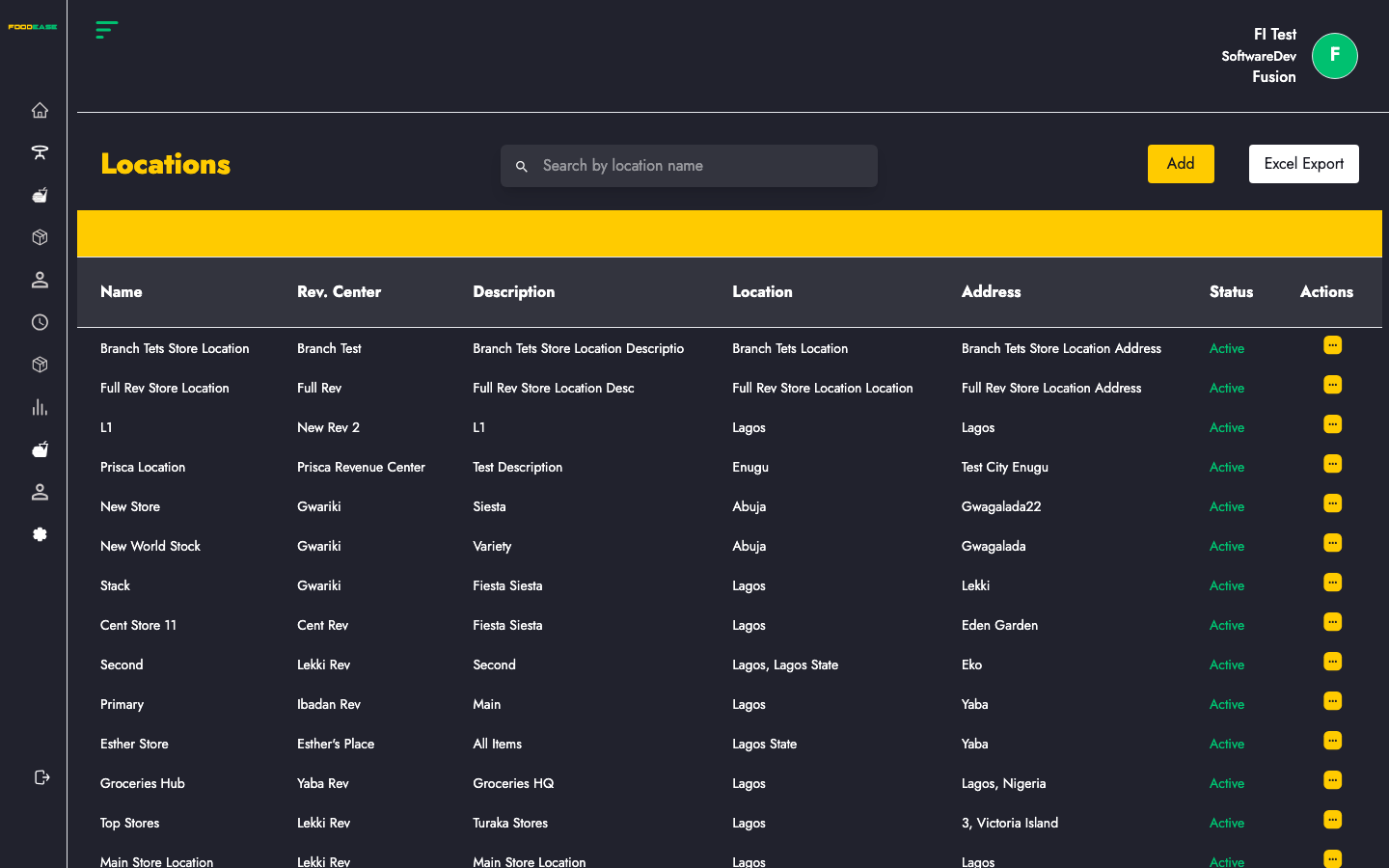
Who can use this page?
Users need at least one of:
- Create Store Location
- Edit Store Location
- Toggle Store Location
How to open Locations
- Log in to FoodEase Office.
- Sidebar → Inventory → Locations.
Page overview
| Column | Description |
|--------|-------------|
| Name | Store location name |
| Rev. Center | Linked revenue centre |
| Description | Short description |
| Location | State or region |
| Address | Street address |
| Status | Active or Inactive |
| Actions | Edit or toggle |
| Tool | Description |
|------|-------------|
| Search by location name | Filter the table |
| Add | Create a location (requires Create Store Location) |
| Export | Download as Store Locations List Excel |
Create a location
- Click Add →
/dashboard/stocks/create-location. - Complete the form:
| Field | Description |
|-------|-------------|
| Name | Unique store name |
| Description | What this location stores or serves |
| Location | State of location |
| Address | Street and city |
| Revenue Centre | Branch this store belongs to |
| Is Primary | Mark as primary location (optional) |
| Is Warehouse | Mark as warehouse (optional) |
- Save — duplicate names at the same restaurant are rejected.
Edit a location
- Open Actions → Edit (requires Edit Store Location).
- Update fields on
/dashboard/stocks/edit-location/{id}. - Save.
Activate or deactivate
Use Actions → Toggle (requires Toggle Store Location) to set a location Active or Inactive. Inactive locations remain in history but should not receive new stock.
Search and export
- Search by name to find locations quickly across large groups.
- Export the full list for onboarding or audit documentation.
Best practices
- Create locations before assigning Store Locations on Items.
- Use Is Warehouse for central stores that feed branch locations.
- Keep one Primary location per revenue centre where your process requires it.
- Deactivate closed stores rather than reusing names for new sites.