
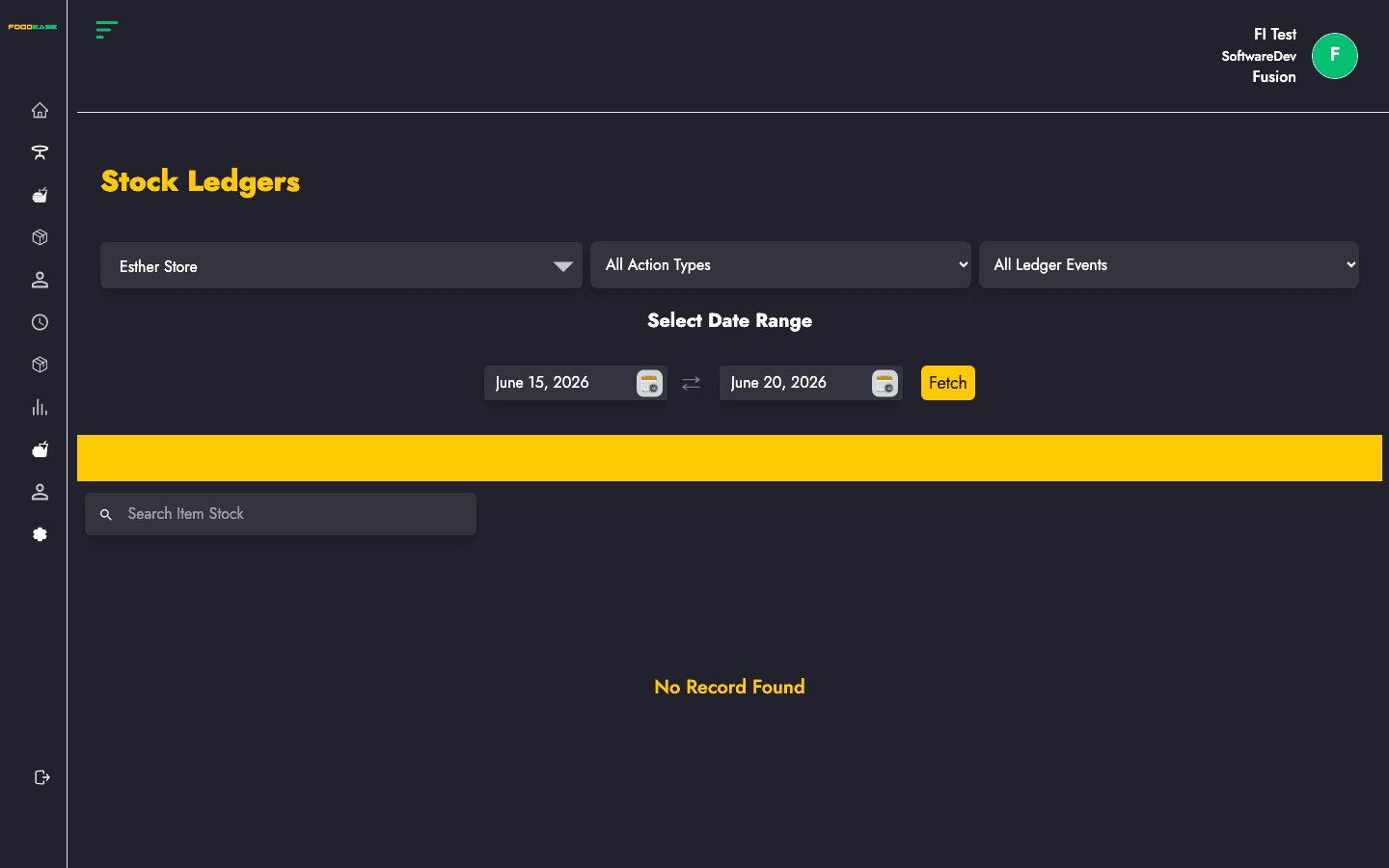
Stock Ledgers provide a financial and quantity audit trail of inventory movements. Each row shows an order reference, item, quantity, cost, amount, ledger event (Credit/Debit), and stock action type (Sale, Receipt, Adjustment, etc.).
Who can use this page?
Users need View Daily Stock Movement permission.
How to open Stock Ledgers
- Log in to FoodEase Office.
- Sidebar → Inventory → Stock Ledgers.
Page overview
| Column | Description |
|--------|-------------|
| Order Slug | Reference slug for the originating transaction |
| Name | Item name |
| IUoM | Inventory unit of measurement |
| Location | Store location |
| Quantity | Units moved |
| Cost Price | Unit cost at time of posting |
| Amount | Total value (quantity × cost) |
| Ledger Event | Credit or Debit |
| Stock Action Type | Sale, Adjustment, Stock Receipt, Transfer Receipt, etc. |
| Date Created | When the ledger row was posted |
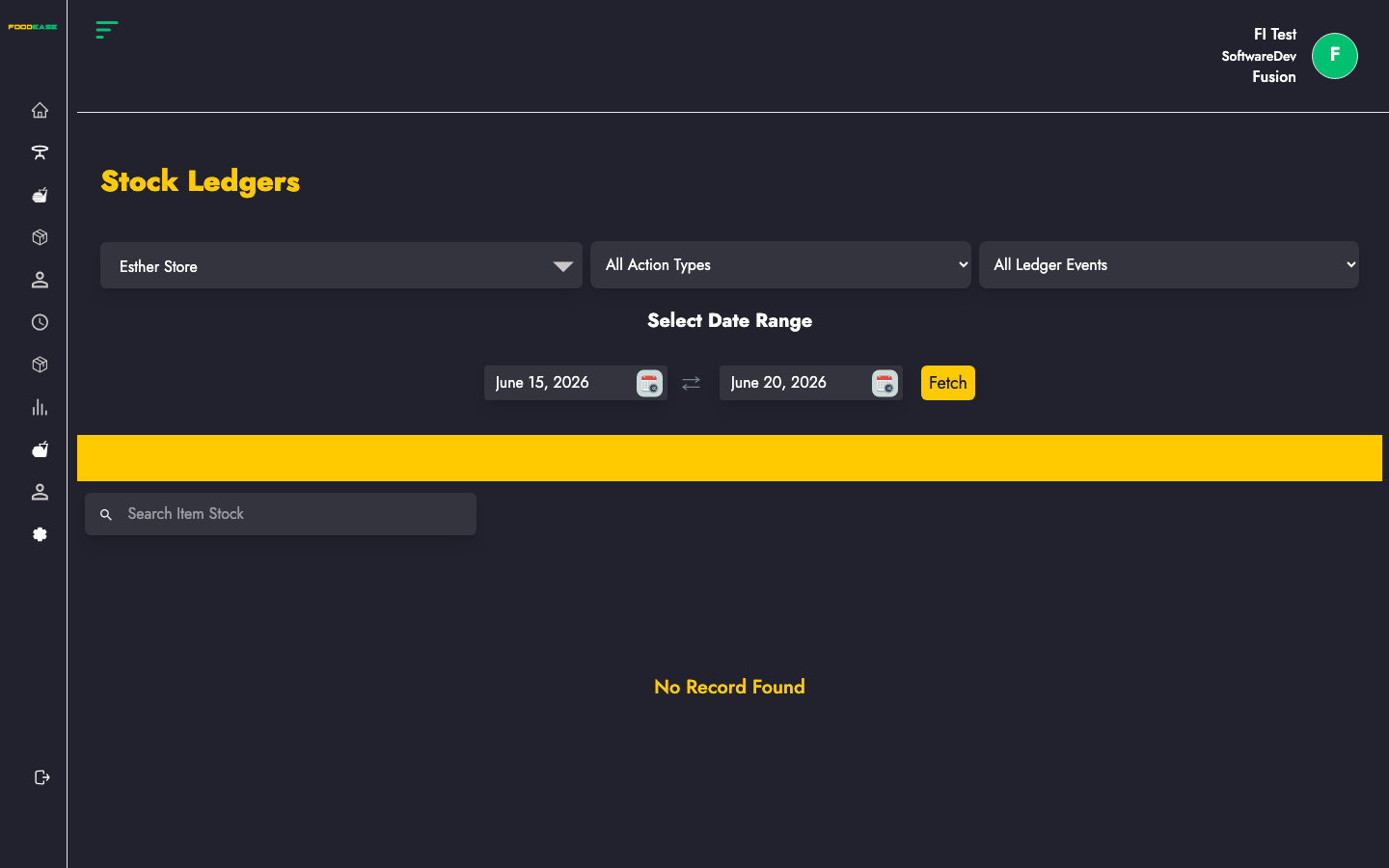
| Filter / tool | Description |
|---------------|-------------|
| Date range | Query period |
| Store Location | Filter by location (defaults from your revenue centre when available) |
| Ledger Event | Credit or Debit |
| Action Type | Sale, Adjustment, Stock Receipt, Transfer Receipt, or all |
| Search | Filter loaded rows by item name |
| Generate PDF | Print the ledger |
| Export | Download as Excel |
Run a ledger report
- Select a date range.
- Choose Store Location if needed.
- Optionally set Ledger Event (Credit/Debit) and Action Type.
- Data loads for the selected filters.
- Use Search to narrow by item name within the loaded set.
Search and export
- Action Type values match backend enums: Sale, Adjustment, StockReceipt, TransferReceipt.
- Export includes item, IUoM, location, quantity, cost, amount, ledger event, action type, and date.
- Use Generate PDF for formatted printouts with location and date headers.
Best practices
- Reconcile Debit entries against sales and Credit entries against receipts and transfers.
- Filter Stock Receipt action type when auditing Stock Receipt postings.
- Compare ledger totals with Ledger Balance Report for period-end checks.
- Cross-reference unexplained rows with Stock Movement Log.