
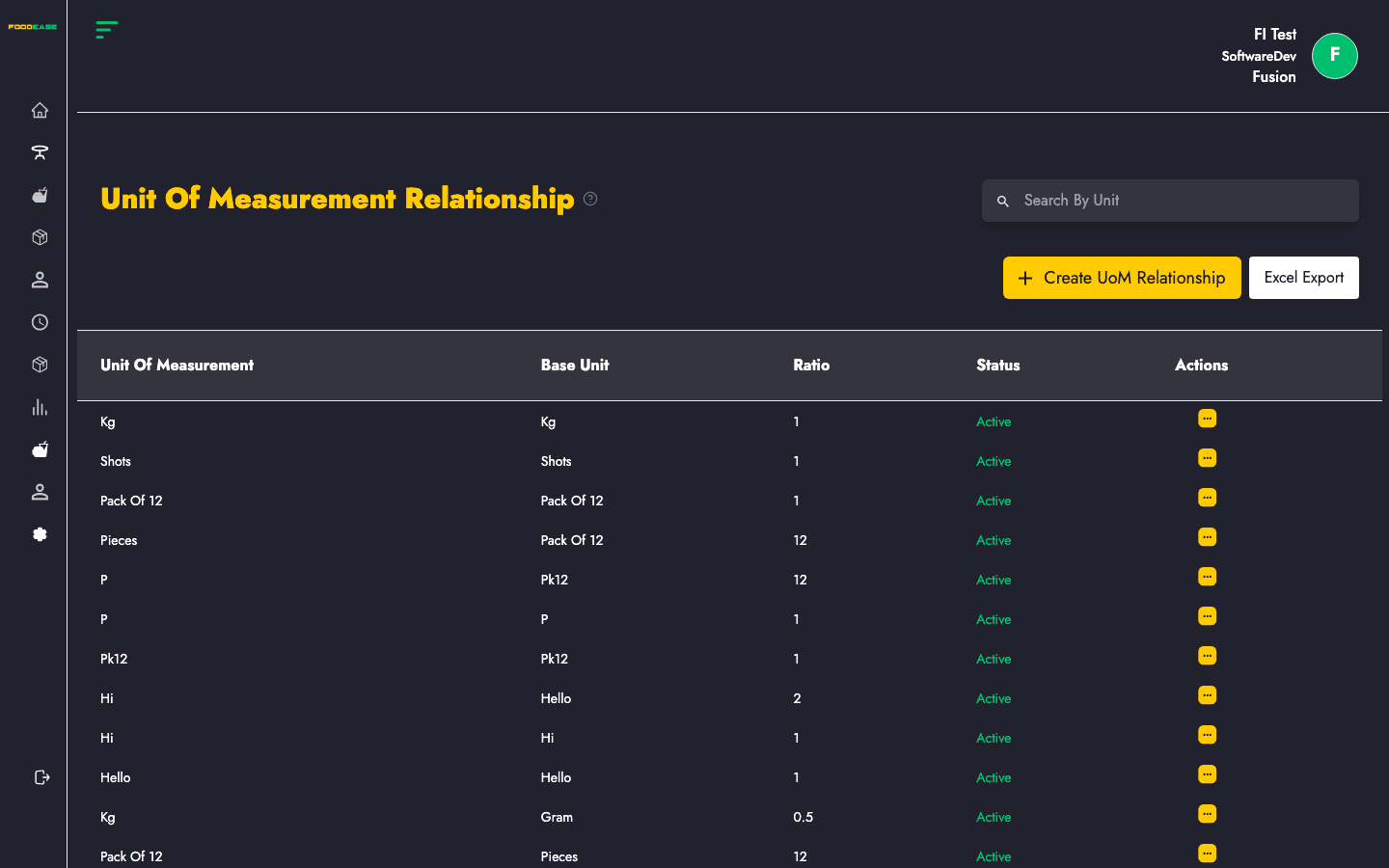
A UoM Relationship defines how one unit converts to another. For example: 1 Pack = 12 Pieces, or 1 Carton = 6 Bottles. This is essential for inventory receiving, recipe costing, and stock deductions.
Who can use this page?
Staff with Create Item or Edit Item permissions.
How to open UoM Relationship
- Log in to FoodEase Office.
- Sidebar → Items → UoM Relationship.
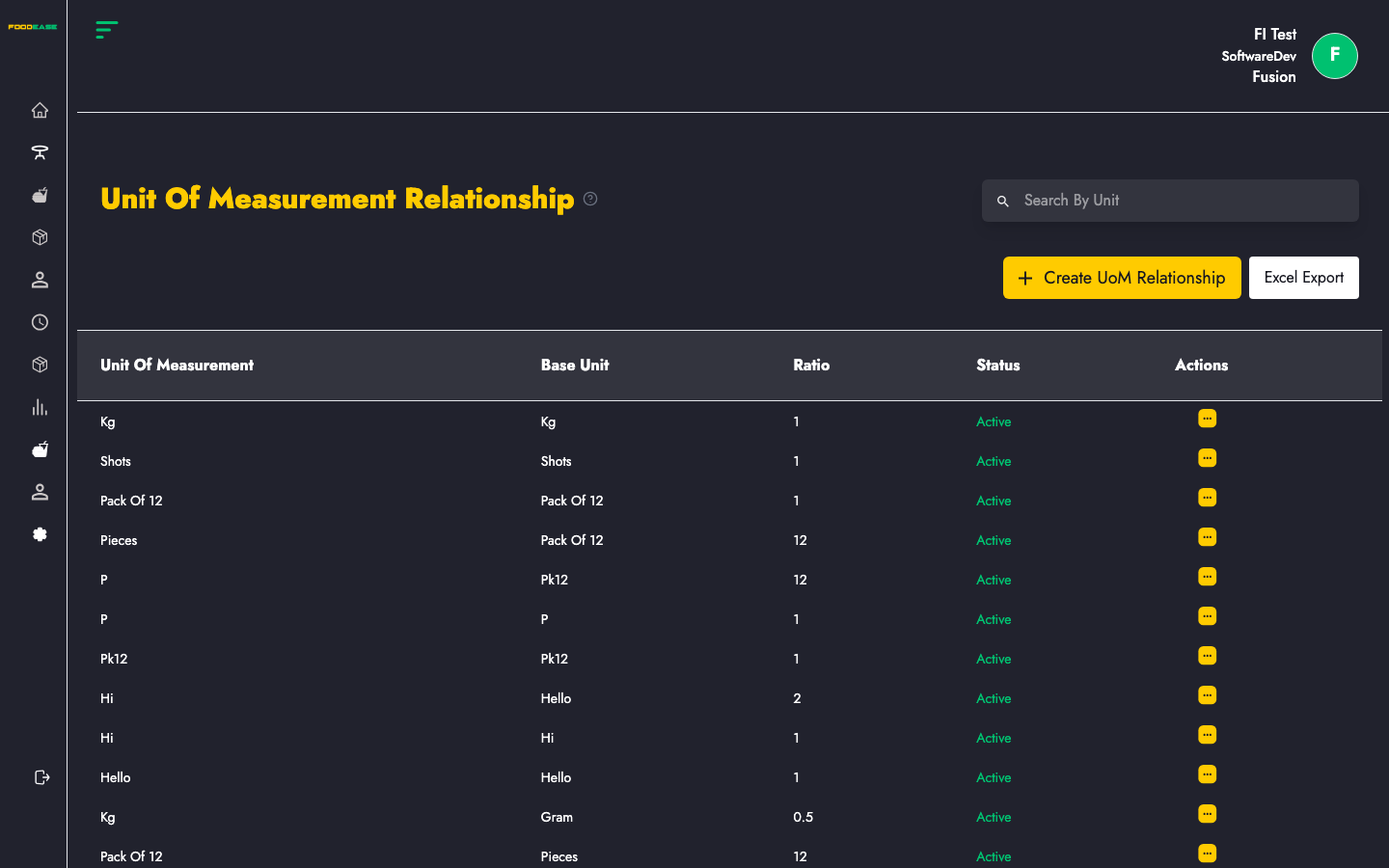
Page overview
The table shows relationships between two units, typically:
| Column | Description |
|--------|-------------|
| Unit One | Base or larger unit |
| Unit Two | Smaller or converted unit |
| Relationship | How many of Unit Two equal one of Unit One |
| Actions | Edit or manage the relationship |
Create a UoM relationship
- Click Create (add button on the page).
- Select Unit of Measurement (first unit).
- Select Unit Two (second unit).
- Enter the conversion quantity (e.g. how many pieces in one pack).
- Save.
Edit a relationship
- Open Actions on the row → Edit.
- Adjust units or quantities.
- Save.
Search
Use Search By Unit to find relationships involving a specific unit name.
When you need this
- Receiving stock in cartons but selling by piece
- Recipe ingredients tracked in grams but purchased in kilograms
- Inventory counts in one unit, POS sales in another
Best practices
- Create both units in Unit of Measurement first.
- Avoid duplicate relationships for the same unit pair.
- Document your standard pack sizes so purchasing and kitchen teams stay aligned.